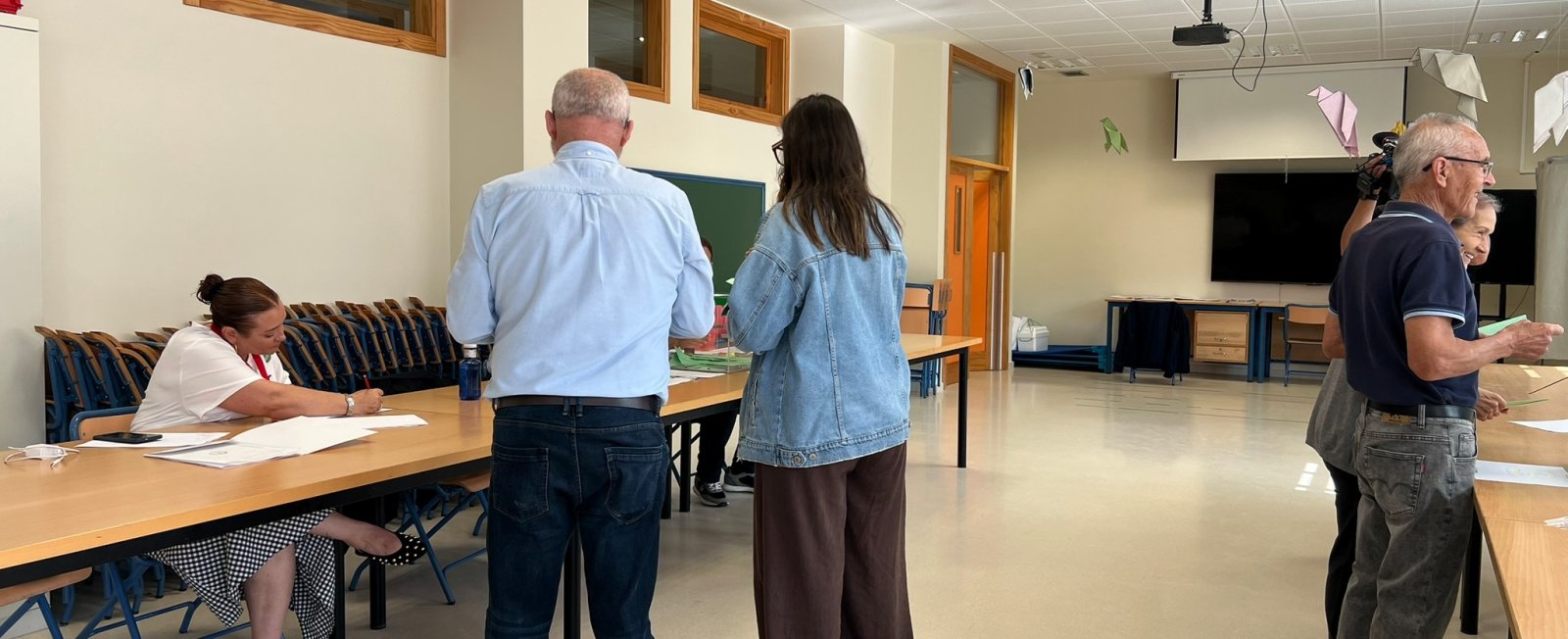
Lebrija votes on Sunday with 34 polling tables in 14 polling stations
Lebrija's 22,459 voters will be able to vote on Sunday, November 29, at 34 polling stations spread across 14 centres, from 9:00 to 20:00.
YaSevilla newsroom ·
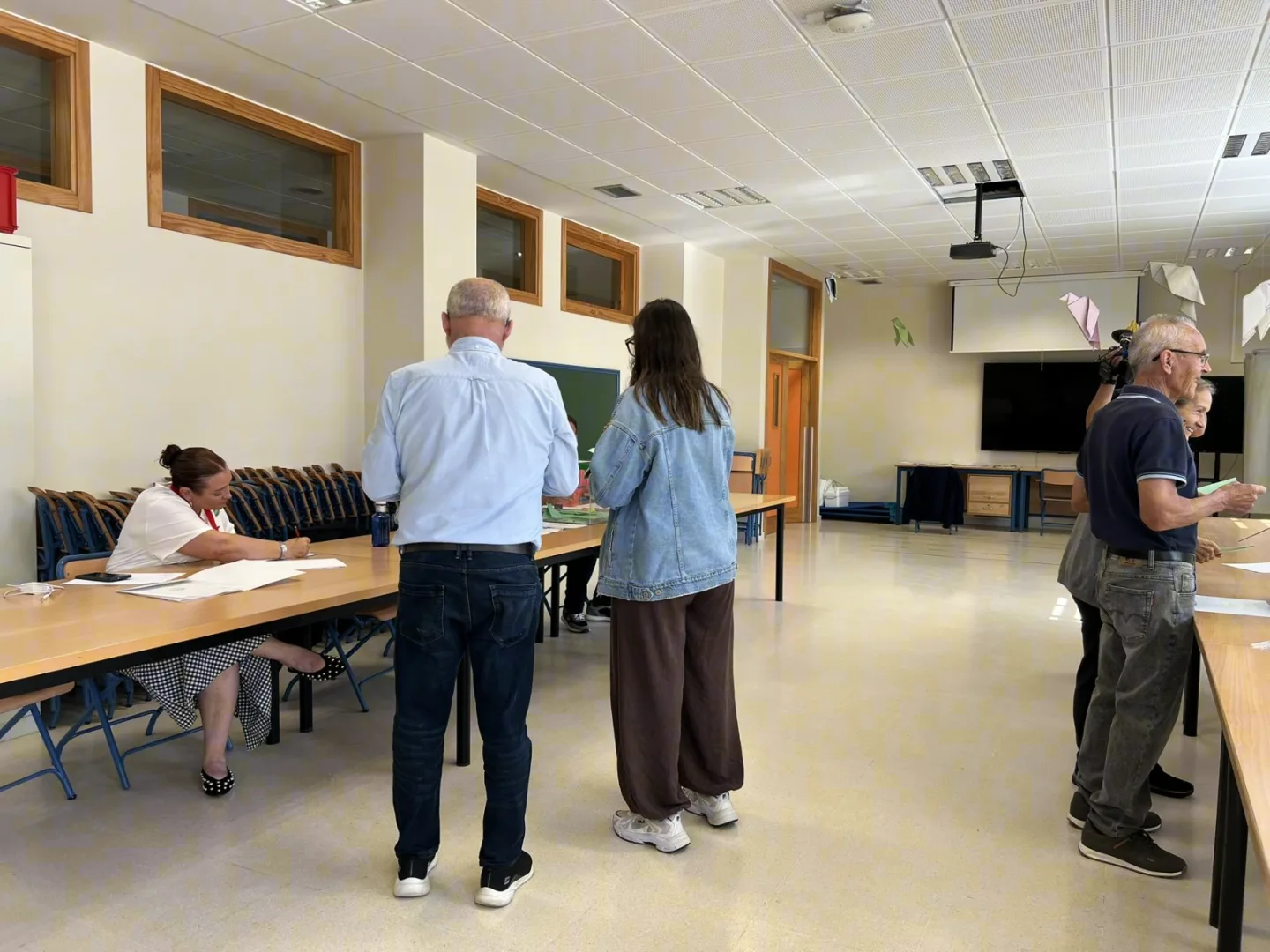
The polling stations in Lebrija will open on Sunday, November 29. A total of 22,459 residents are called to vote, and they may do so at the 34 polling tables distributed across 18 sections and 14 polling centres in the municipality.
The schools where voting takes place are the Colegio de Adultos, the CEIP Nebrixa, the CEIP El Recreo, the CEIP Ignacio Halcón, the CEIP Cristo Rey, the Casa de la Cultura, the CEIP Josefa Gavala, the CEIP Cortines Pacheco, the IES El Fontanal, the Sala de la Misericordia, the Casa de la Juventud, the IES Bajo Guadalquivir, the CEIP Blas Infante and the CEIP Elio Antonio.
Election day will run without interruption from 9:00 to 20:00. Earlier, at 8:00, the polling tables will be constituted, each made up of a president and two members.
To vote you must bring the Documento Nacional de Identidad (DNI), a passport with a photograph or a driving licence with a photograph. In all cases they must be original documents, not copies.
Anyone who wants to know at which table they are due to vote can go to the Ayuntamiento, where they will be attended to at the registry offices, or check it on the website of the Instituto Nacional de Estadística (INE), both in the electoral census during the electoral period and in the query of tables and premises.
The Ayuntamiento de Lebrija, coordinated with other institutions and with the Fuerzas y Cuerpos de Seguridad, has arranged a technical and human operation so that the day passes without incidents, as the Consistorio has indicated.
Breaking news from News, on your phone
An alert only when something can't wait. Free, no account needed.
On iPhone, alerts only arrive if you first add YaSevilla to your Home Screen. How to do it, step by step
This browser can't receive alerts. Try another one, such as Chrome or Safari.
You've blocked alerts from YaSevilla in this browser. You can turn them back on in its settings. How to do it, step by step
Only what can't wait. Change or remove it in my alerts
Shall we let you know what matters?
Phone alerts
On iPhone, alerts only arrive if you first add YaSevilla to your Home Screen. How to do it, step by step
This browser can't receive alerts. Try another one, such as Chrome or Safari.
You've blocked alerts from YaSevilla in this browser. You can turn them back on in its settings. How to do it, step by step